Lift your wrist and find your running rhythm.
From your first run to finding the right training companion.
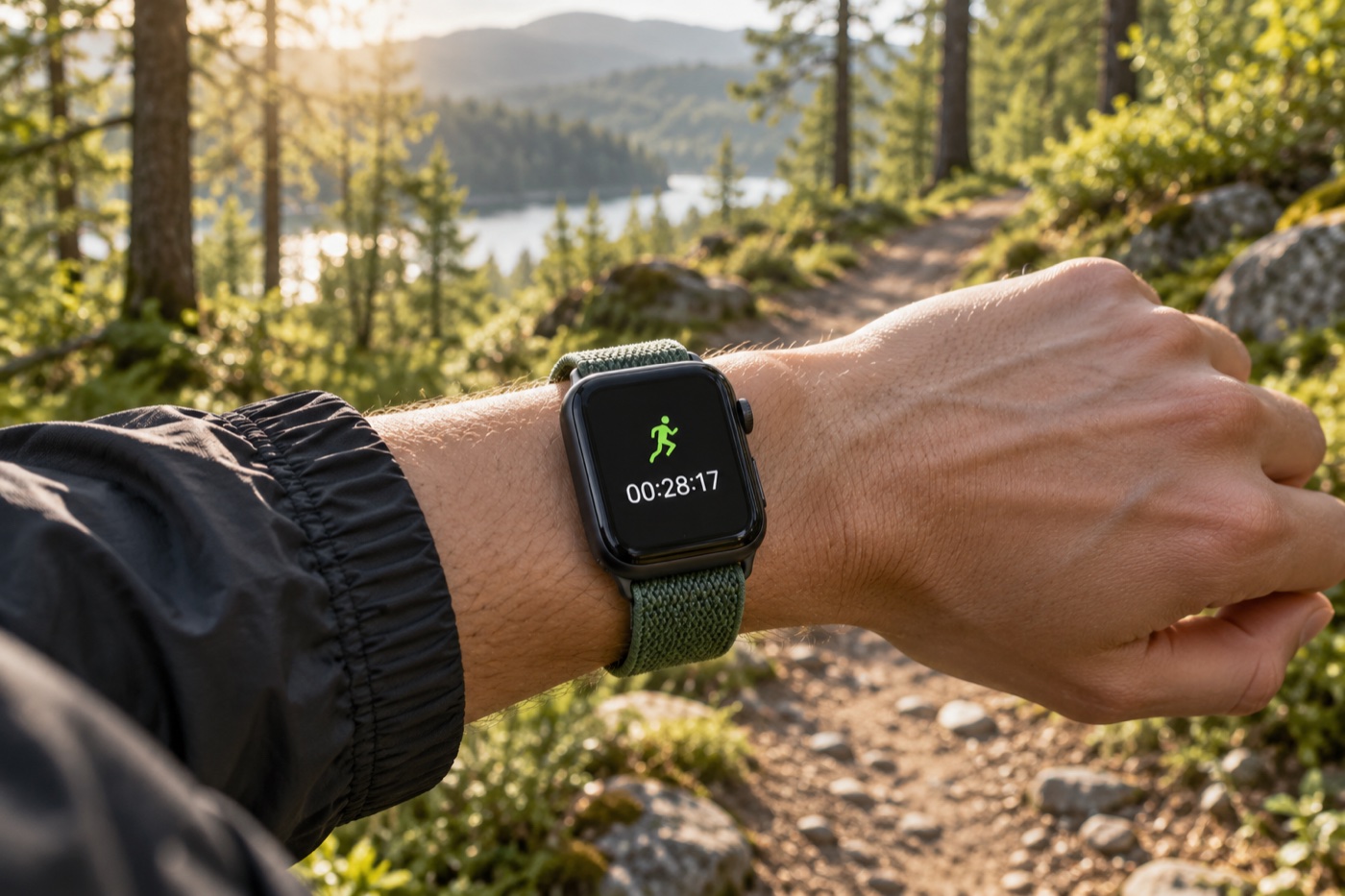
Start here
Start with one record in the built-in tool, then adjust data screens and workouts as needed. Only then decide whether you need extra route or social features.
- 01
Run once and learn the start-and-finish flow
- 02
Arrange workout views so important data is always visible
- 03
Add a route or social tool when you know you need one
Put it into practice
Read at your own pace and choose one action you can complete today.
Record your first run with Apple Watch
Complete the whole flow once: start, finish, and review the record.
While running, see only the data you need
Arrange Workout views so time, distance, and pace are easy to read.
Set run-walk intervals as a custom workout
Use work and recovery segments so your watch tells you when to switch.
Useful tools for this situation
Start with built-in features, then explore options for more advanced needs.
Workout
You do not need another app to record a run, walk, or ride. Start with one workout and learn which data you actually need.
WorkOutDoors
If you want maps and workout metrics while running or hiking, this customizable tool is a good place to start.
Strava
Connect workouts to your training history and activity partners if you already use Strava.